Lafayette CollegeTechnology Help
Moodle Updates
ITS will be upgrading Spaces and Moodle to version 5.1 on August 8, 2026. This significant update delivers a range of enhancements across various functionalities, including a new visual course format, improved activity organization, accessibility enhancements, and more. You can find detailed information on these new Moodle 5.1 features below. Please note that our Moodle help documentation on the Help website has been fully updated to reflect these changes.
Features
“LetStudy” Course Format
A new visual course format has been added. LetStudy allows instructors to customize each section with an interactive card including a customized image and icon.

Activities in Moodle
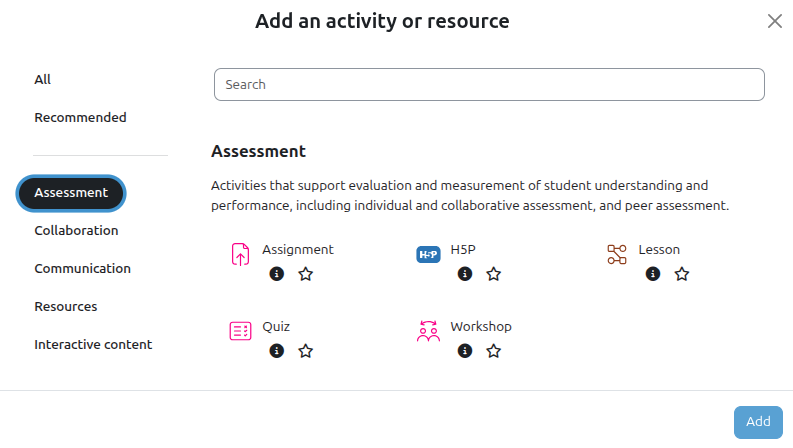
Activity Chooser Organization
The “Add Activity or Resource” menu has been redesigned and organized by educational purpose (such as assessment, collaboration, communication, or interactive content). This allows instructors to easily locate activities as they’re building out their course.
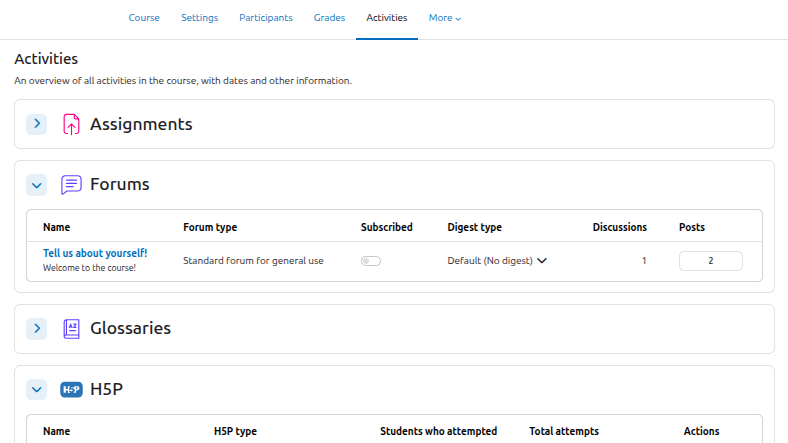
Activities Overview Page
The newly expanded Activities Overview page consolidates all course activities into a unified view. Instructors can quickly monitor grading statuses and pending submissions, while students can clearly see their upcoming deadlines and completion progress all in one place.
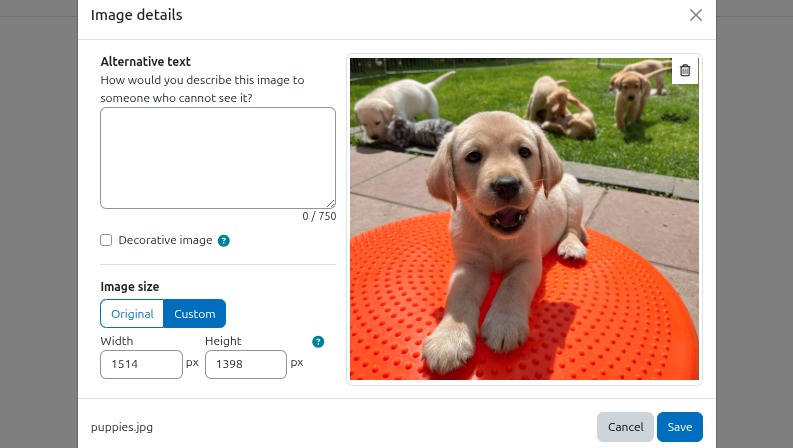
TinyMCE Editor Improvements
The editor update introduces drag-and-drop media uploads, better formatting controls, and the ability to provide longer, more descriptive image captions to support accessibility and inclusive learning.
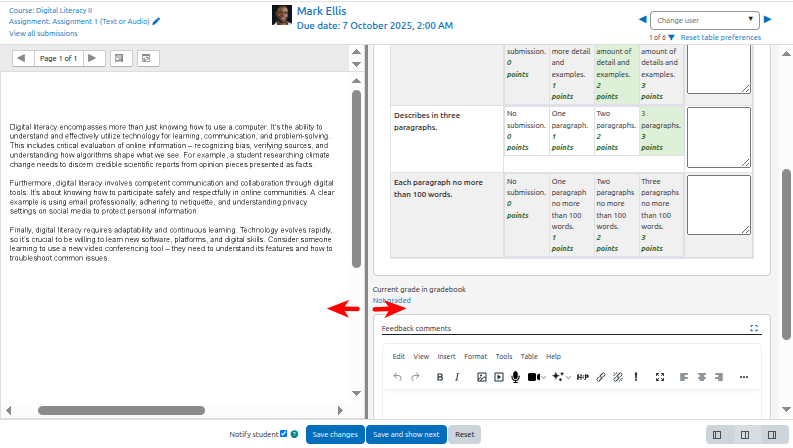
Assignment Grading Enhancements
When grading a Moodle Assignment, instructors can now resize the grading panel to allow space for rubrics.
New Rubrics Report PlugIN Added
You can now view and download comprehensive class-wide rubric results! Visit the Grading with Rubrics in Moodle page to learn how to generate CSV/Excel reports of all student criteria scores and comments.
learn more
To learn more about additional features available from this upgrade, read the new feature descriptions for the following Moodle versions: