Looking for a group account?
- Did you know you can create your own Google Group, which functions similarly to a shared email account? No need to submit a ticket, check out our Creating and Managing Google Groups page for more information.
Shared email accounts act like regular email accounts, but a group of people can use them. One person owns the account and gives permission to anyone else who needs to access the account.
Academic or administrative department heads or chairs can request shared email accounts. Accounts for official student groups can be requested by the faculty adviser for the group, who must also assume responsibility as the account owner. All requests will be evaluated on a case-by-case basis.
To request a shared email account, send a note to the ITS Help Desk at help@lafayette.edu.
The recommended way to provide someone access to a shared email account is by way of delegate access. This allows users to access the shared email account from their personal Lafayette Gmail account. Delegate users do not need to log into the shared email account.
Granting delegate access to a shared account allows the delegates to read, send, and delete messages for the shared email account. Up to 1,000 delegates can be assigned per shared account.
Only the account owner may add delegates individually or via a Google Group–only Lafayette members of the Google Group will be added as delegates.
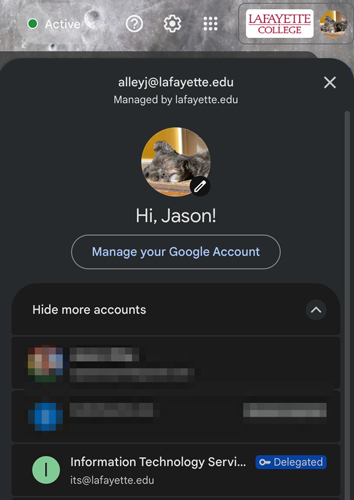
When a user should no longer have access to the shared account, the account owner can follow the above steps to revoke their access by deleting the account or Google Group from the list under Grant access to your account: in the Accounts settings.
Only the account owner may add/remove delegates individually or via a Google Group–only Lafayette members of the Google Group will be added as delegates.
Individual accounts cannot send to College Lists (e.g., campus@lafayette.edu). Some shared email accounts are permitted to do so. See the Campus Communication Policy.